
Skinny laMinx Skinny laMinx
  • Home
  • About
  • Stay in touch
  • 0
Clear
press Enter to search Search results: No products found.

    Cat animation

    4 Jul 2012

    I’m really enjoying the animation feature in Photoshop, which is an easy to make your own animations. I made one this morning, using these 8 cat cutouts I made a while back.
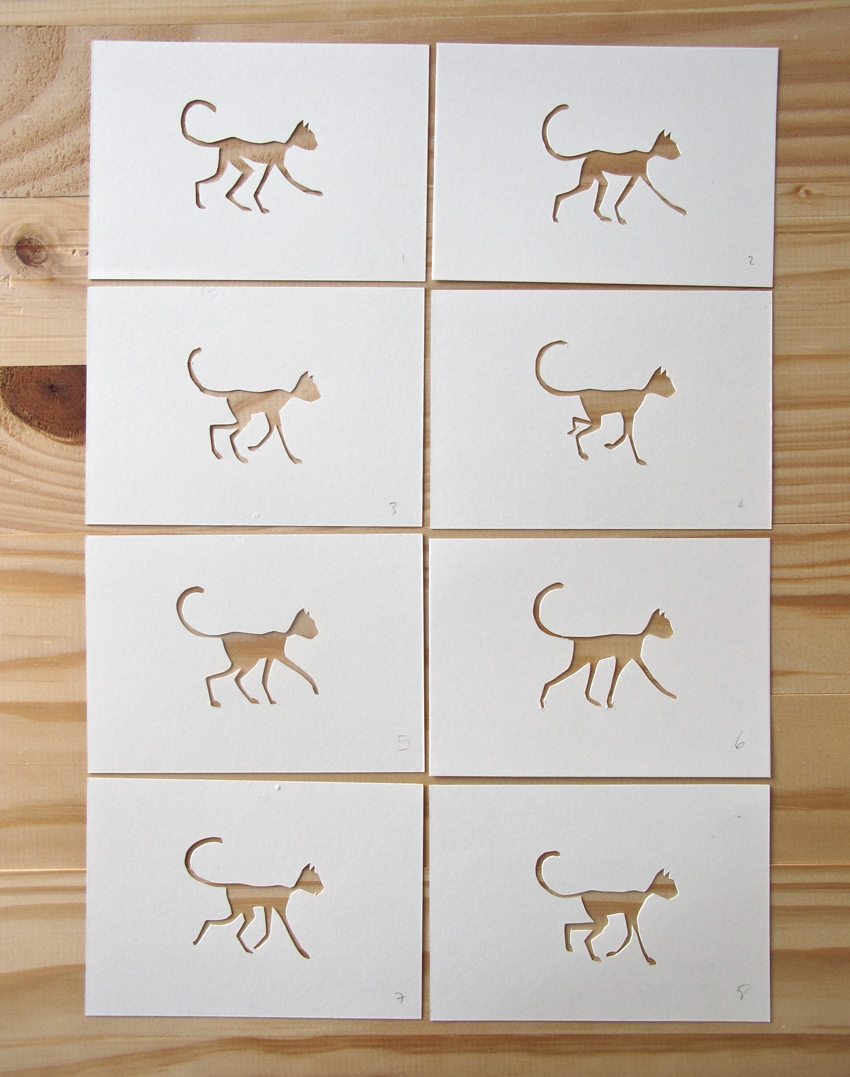
    I used the single shot I took here to chop up into separate elements, put them into sequential frames in Photoshop in an endless loop, and voila!
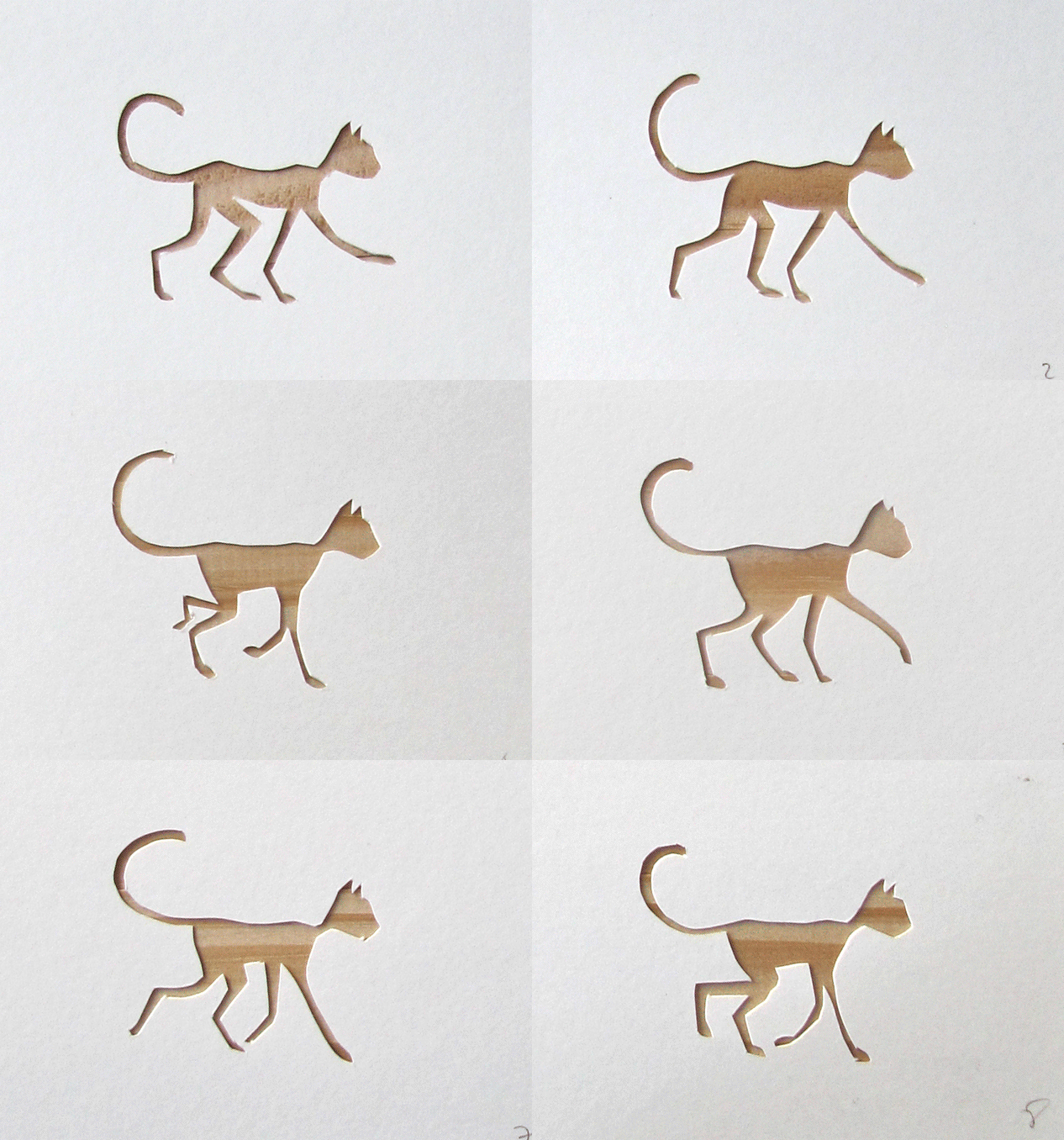
    (if this isn’t immediately showing as an animation, click the image, and the animation will appear in a separate window.)

    Posted in In the Studio, Design, Friends & Neighbours and tagged animation, Sketchbook, At Home.
    Share
    ←  NewerSketchbooks: people
    Older  →Making Friday 29 June

    Categories

    • Uncategorized
    • In the Studio
    • Design
    • Collaborations
    • Store & Products
    • Inspiration
    • In the Press
    • Travel
    • Friends & Neighbours
    • Video
    • Skinnylaminxenstein
    • Brand
    • Early Work

    Archives

    9 replies to “Cat animation”

    1. Martina 4 Jul 2012 at 2:22 pm

      It’s so cute thanks. Greets Martina

      Reply
    2. Michelle | Cloud9 Fabrics 4 Jul 2012 at 2:32 pm

      Too cool!

      Reply
    3. Kate Brennan Hall 4 Jul 2012 at 5:47 pm

      I love the fluidity of this animation. You’ve captured the slinky-ness (a word?)of the feline body. Love it!

      Reply
      • skinnylaminx 5 Jul 2012 at 8:45 am

        Thanks, Kate!

        Reply
    4. Amy 4 Jul 2012 at 9:10 pm

      That is really awesome! I love it.

      Reply
    5. showpony 5 Jul 2012 at 9:08 pm

      I had no idea you could do this in photoshop, love it.

      Reply
    6. helen:) 6 Jul 2012 at 9:14 am

      Love it! I got to try that!:) maybe not with cutouts… but this seems like a fun afternoon.

      Reply
      • skinnylaminx 6 Jul 2012 at 10:08 am

        You’ll love it, Helen! Just go to your Windows pull down menu in photoshop and select the ‘animation’ feature. It will open a panel at the bottom of the screen, allowing you to add frames, which correspond to whichever of the layers is visible when that frame is selected.

        yay!

        Reply
    7. marietjie 17 Jul 2012 at 9:12 am

      that is just lovely!!!!!!!

      Reply

    Leave a Reply Cancel reply

    Your email address will not be published. Required fields are marked *

    This site uses Akismet to reduce spam. Learn how your comment data is processed.

      • Newsletter
      • Instagram
      • Blog
      • Stay in touch
      • Reviews
      • Shipping & Returns
      • Terms and Conditions
      • Privacy Policy
      • Making Friday
    © 2026 Skinny laMinx.
    Login
    • Home
    • About
    • Blog
    • Newsletter
    • Instagram
    • V&A Waterfront Store
    • Stay in touch

    Log in

    Lost your password?

     
    We use cookies to ensure that we give you the best experience on our website. If you continue to use this site we will assume that you give your consent for this.